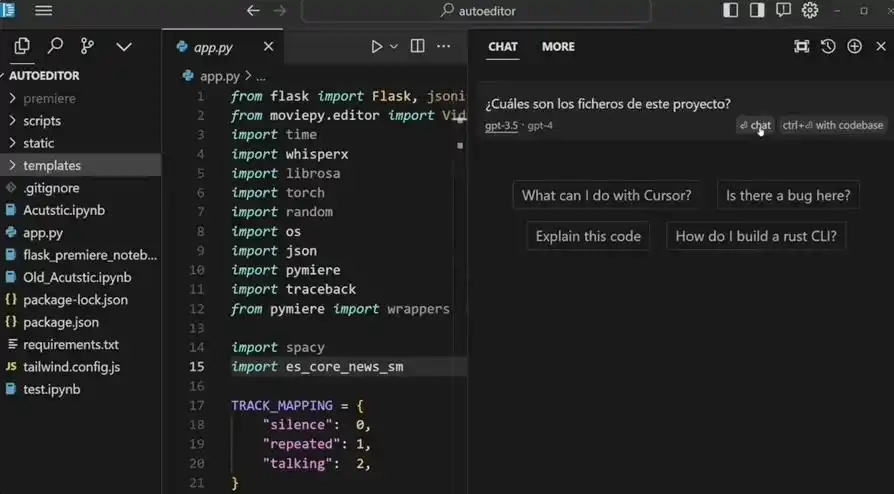
Cursor 的代理模式其实就是把 VSCode(加入对话功能)和大型模型(像 Claude 3.7 Sonnet 等)结合起来,再加上文件处理工具和一些提示词。
在这篇文章里,我们会利用 Cursor 的自定义模型,来看看每次对话时 Cursor 是如何自动填充提示词的。
环境准备
ollama
首先,去安装 ollama,这是一款能在本地方便地运行开源大语言模型的软件。
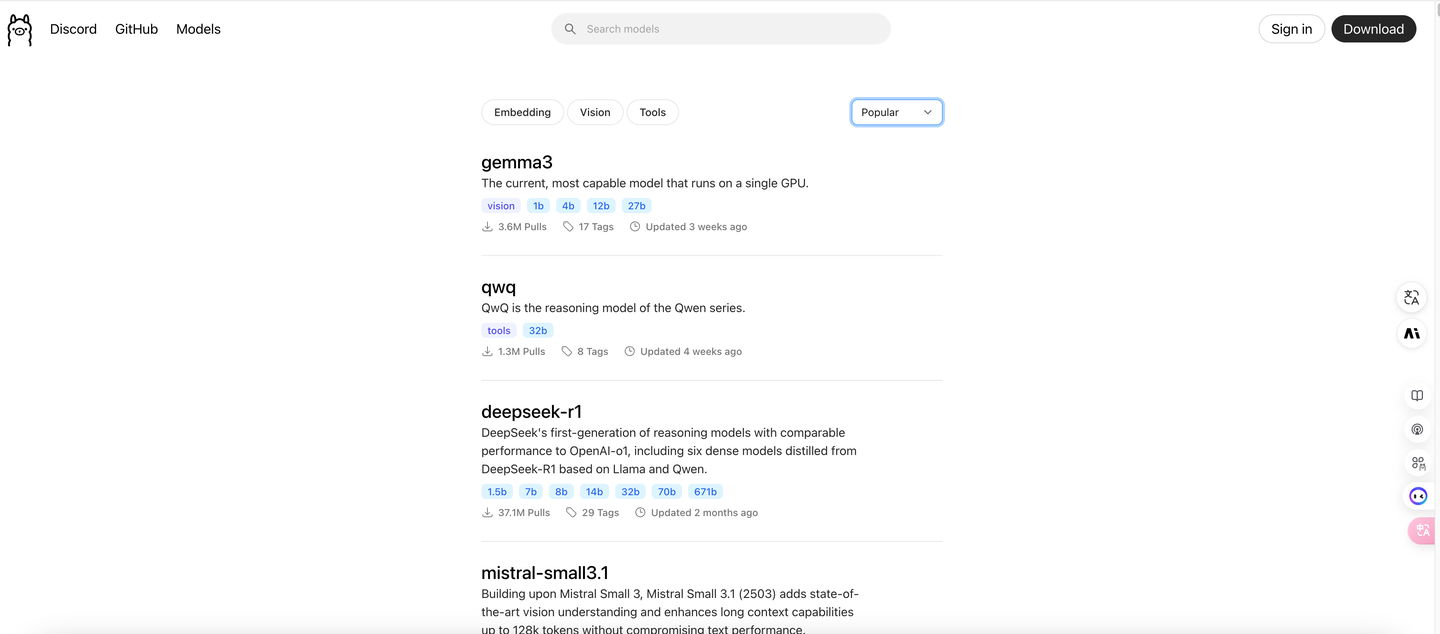
安装完成后,在命令行里随便输入一个命令 ollama pull qwen2.5:7b 来拉取一个模型。
模型安装好后,记得运行它,输入 ollama run qwen2.5:7b。
这时候,你就可以像跟 chatGPT 聊天一样在命令行中互动了:

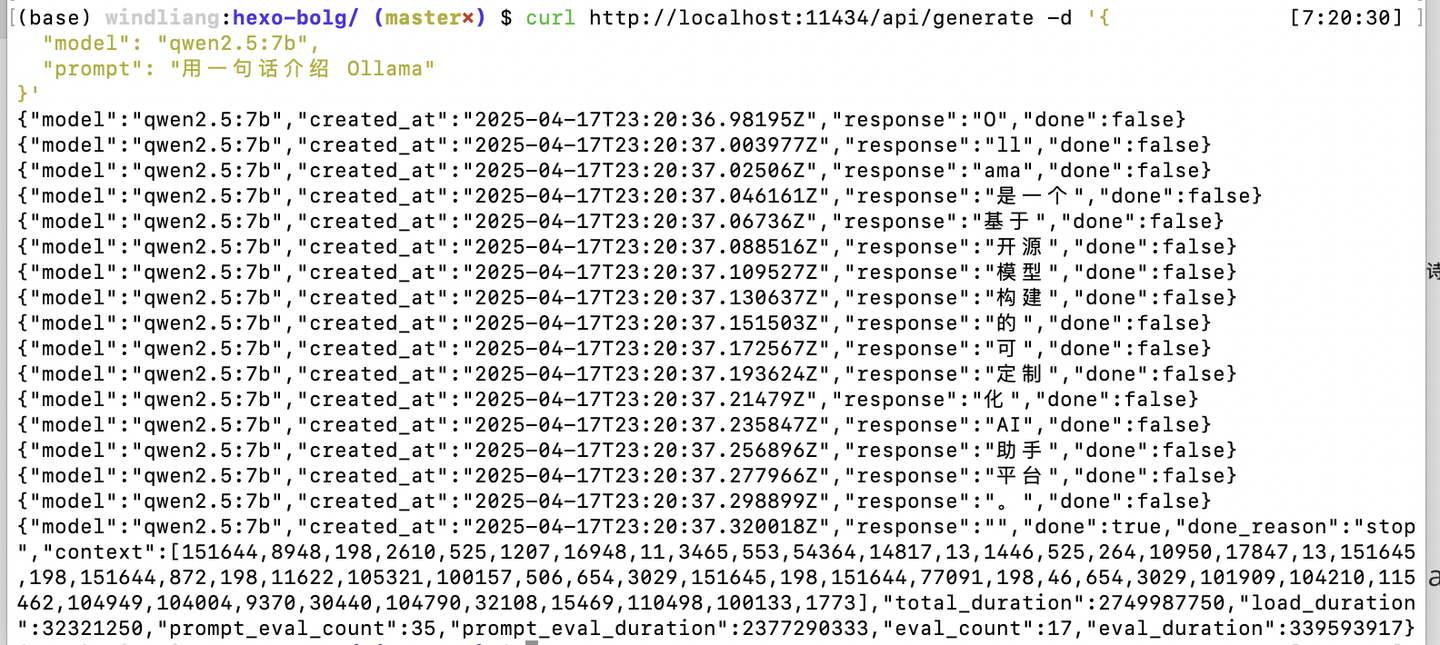
ollama 还会监听 11434 端口,提供 HTTP 接口服务:
curl http://localhost:11434/api/generate -d '{
  "model": "qwen2.5:7b",
  "prompt": "用一句话介绍 Ollama"
}'
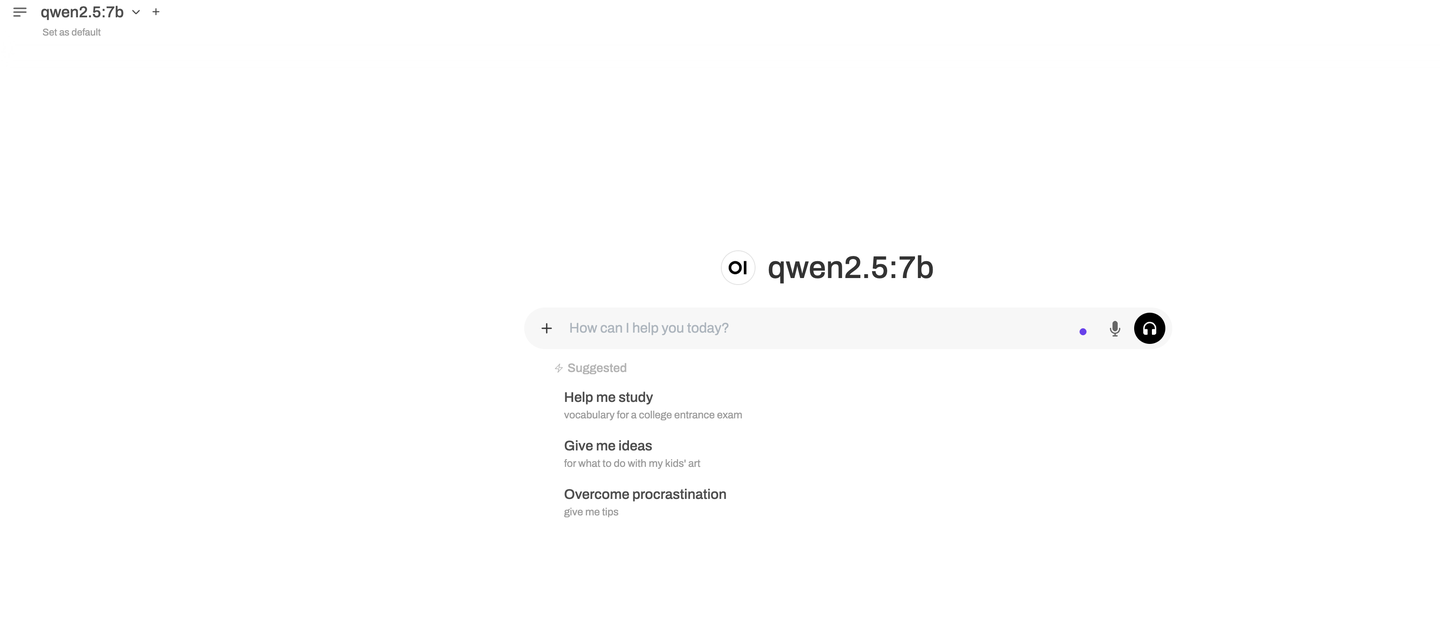
现在还有许多开源的可视化工具,比如 open-webui,可以和 ollama 搭配使用,非常方便。
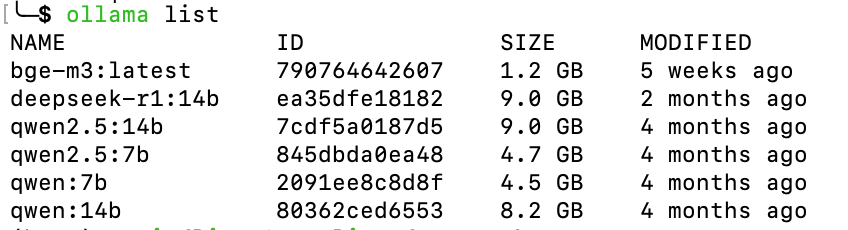
如果想查看已经安装的模型,可以用 ollama list 命令:
ngrok
ngrok 是一种内网穿透工具,它能将本地运行的服务(例如 localhost:11434)通过公网地址暴露出来。
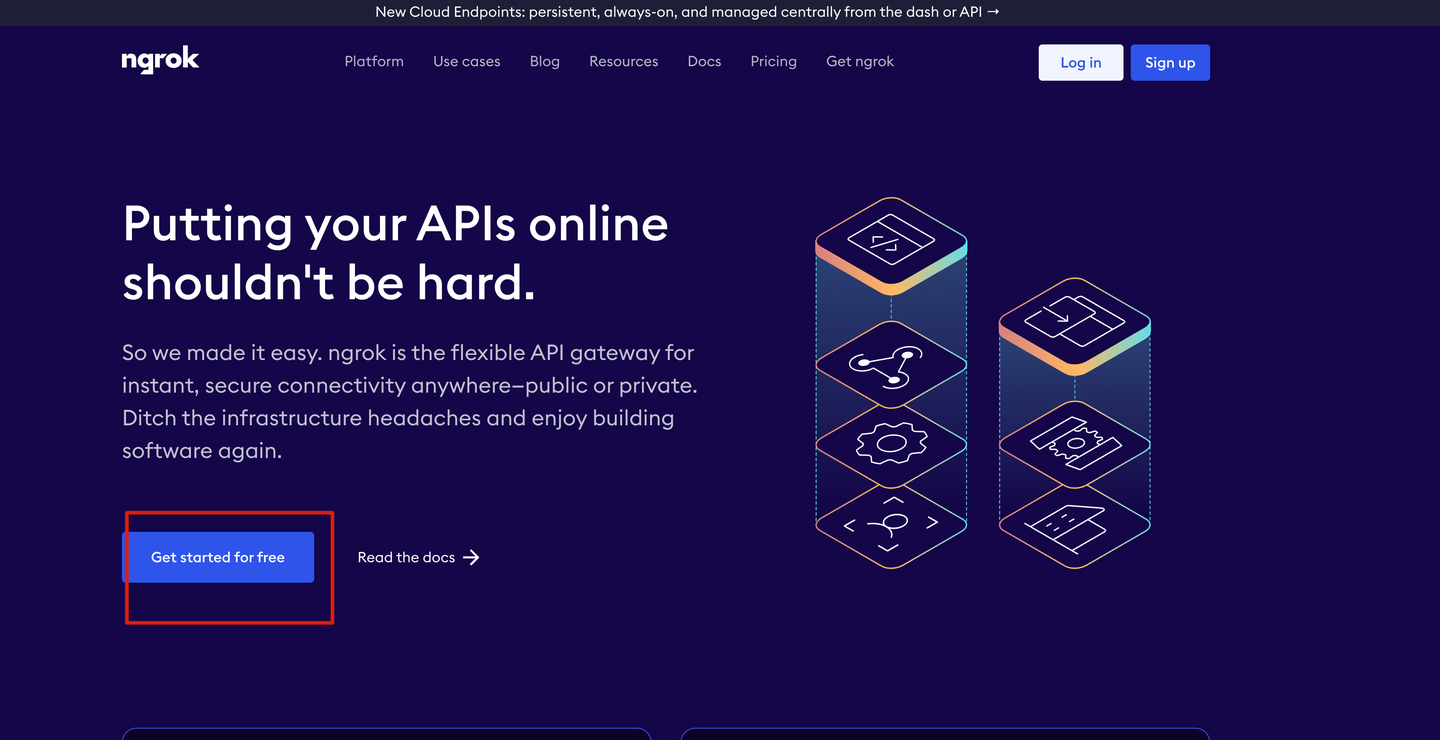
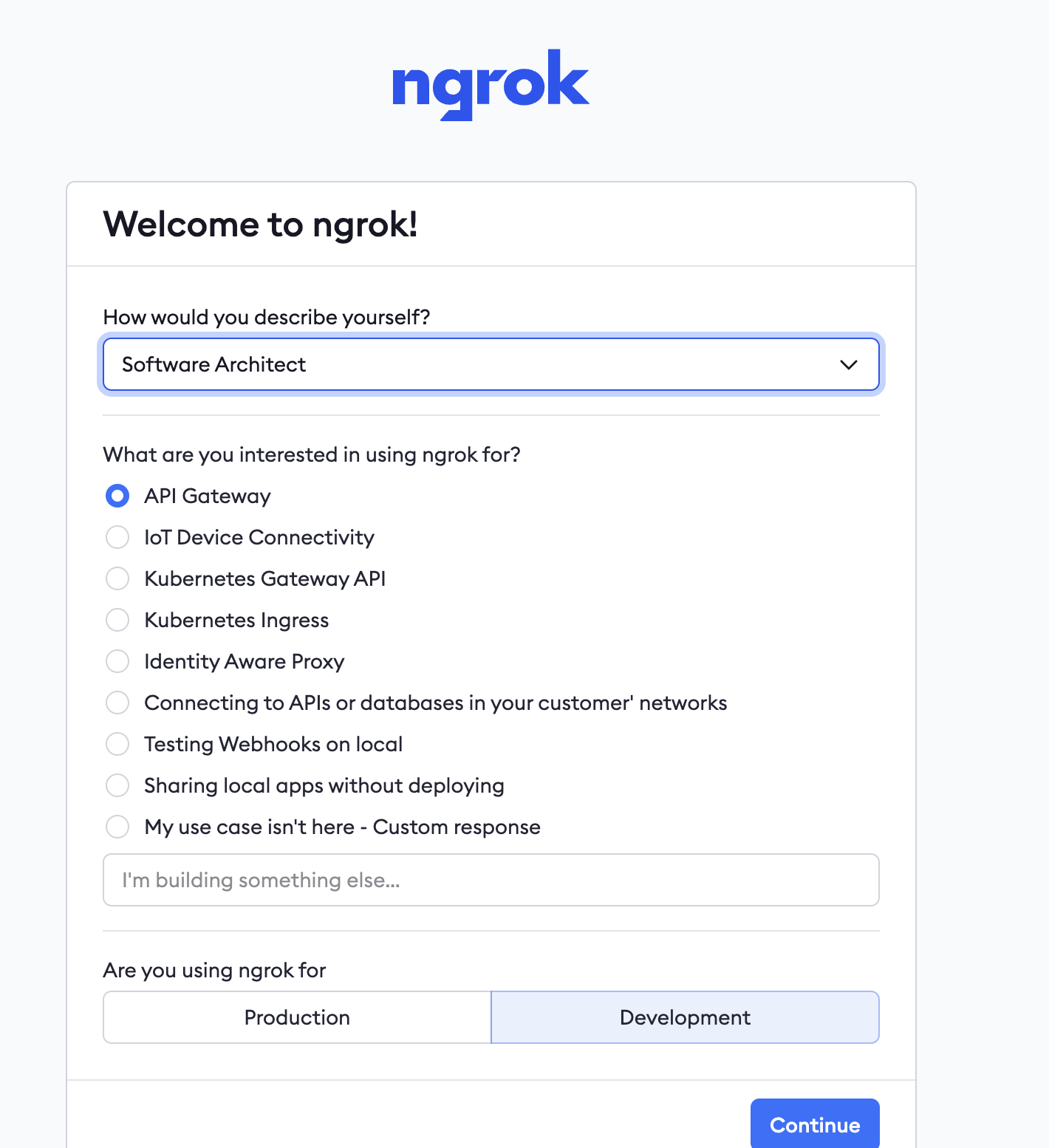
你只需按照官网的步骤注册并安装,就能顺利搞定了:
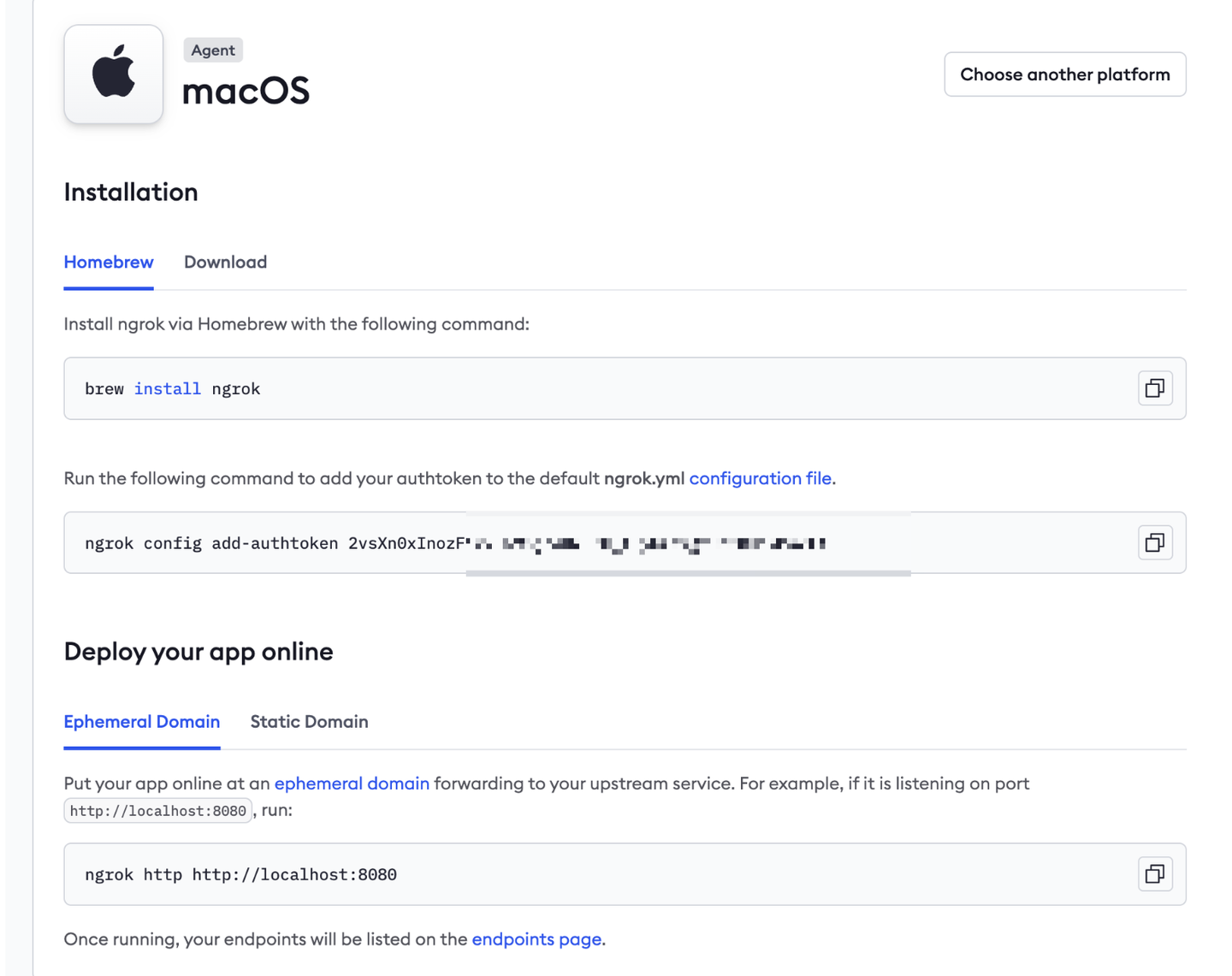
安装后,先执行上面的 ngrok config add-authtoken xxxxxxxxxxxxxx,然后再执行 ngrok http http://localhost:11434,这样就能把本地 ollama 的 HTTP 接口暴露到公网了:
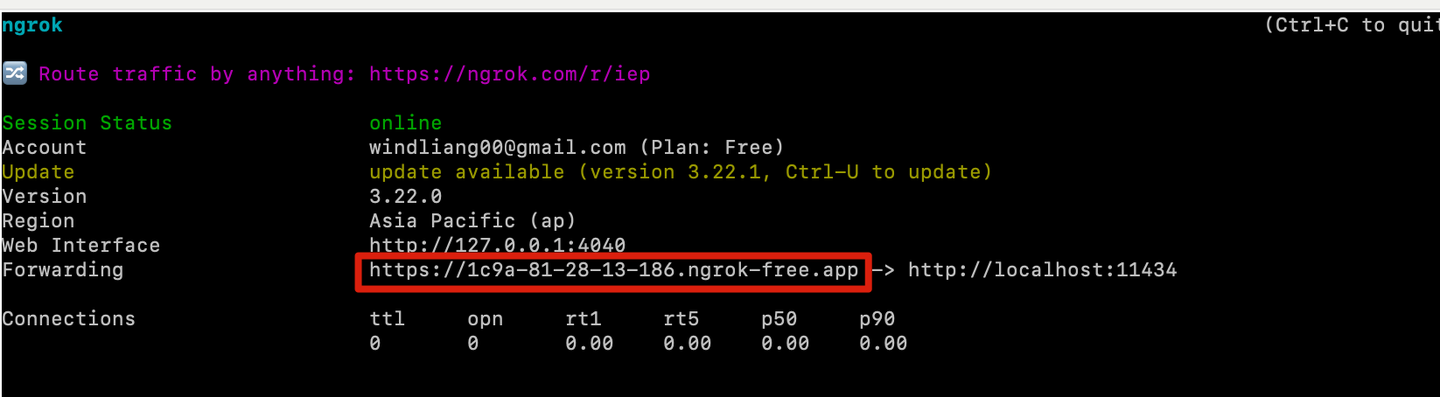
ngrok 会给你一个新的域名,可以用 curl 测试一下:
curl https://1c9a-81-28-13-186.ngrok-free.app/api/generate -d '{
  "model": "qwen2.5:7b",
  "prompt": "用一句话介绍 Ollama"
}'

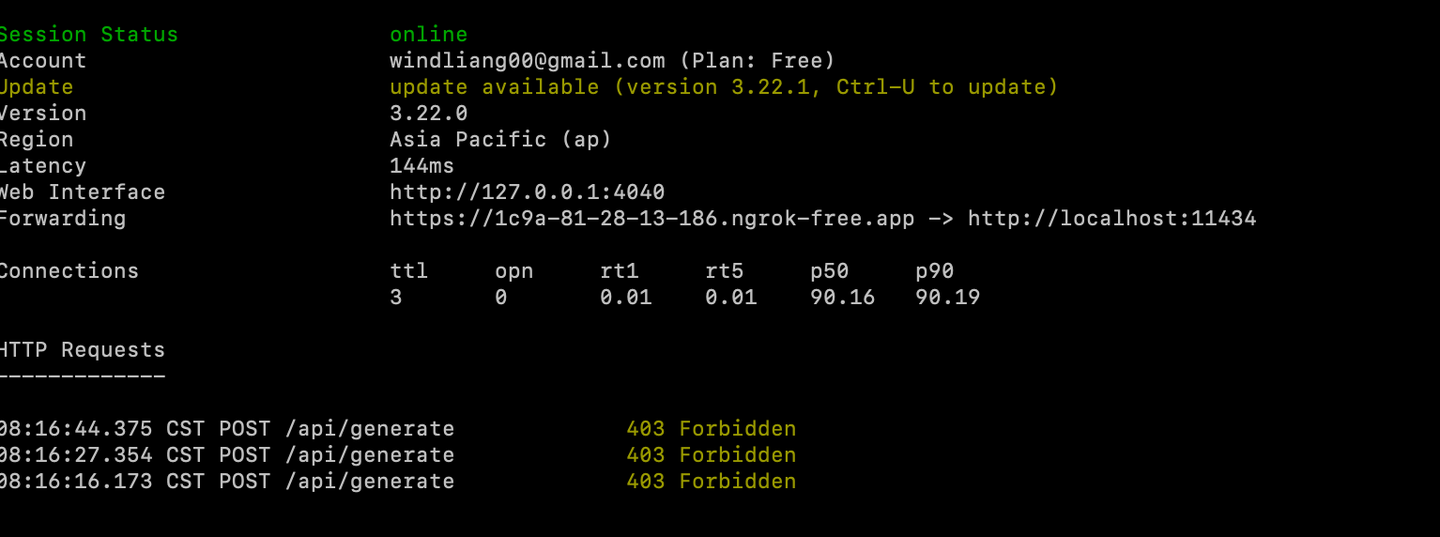
如果没返回结果,说明可能是403错误:
不妨问问 chatGPT。
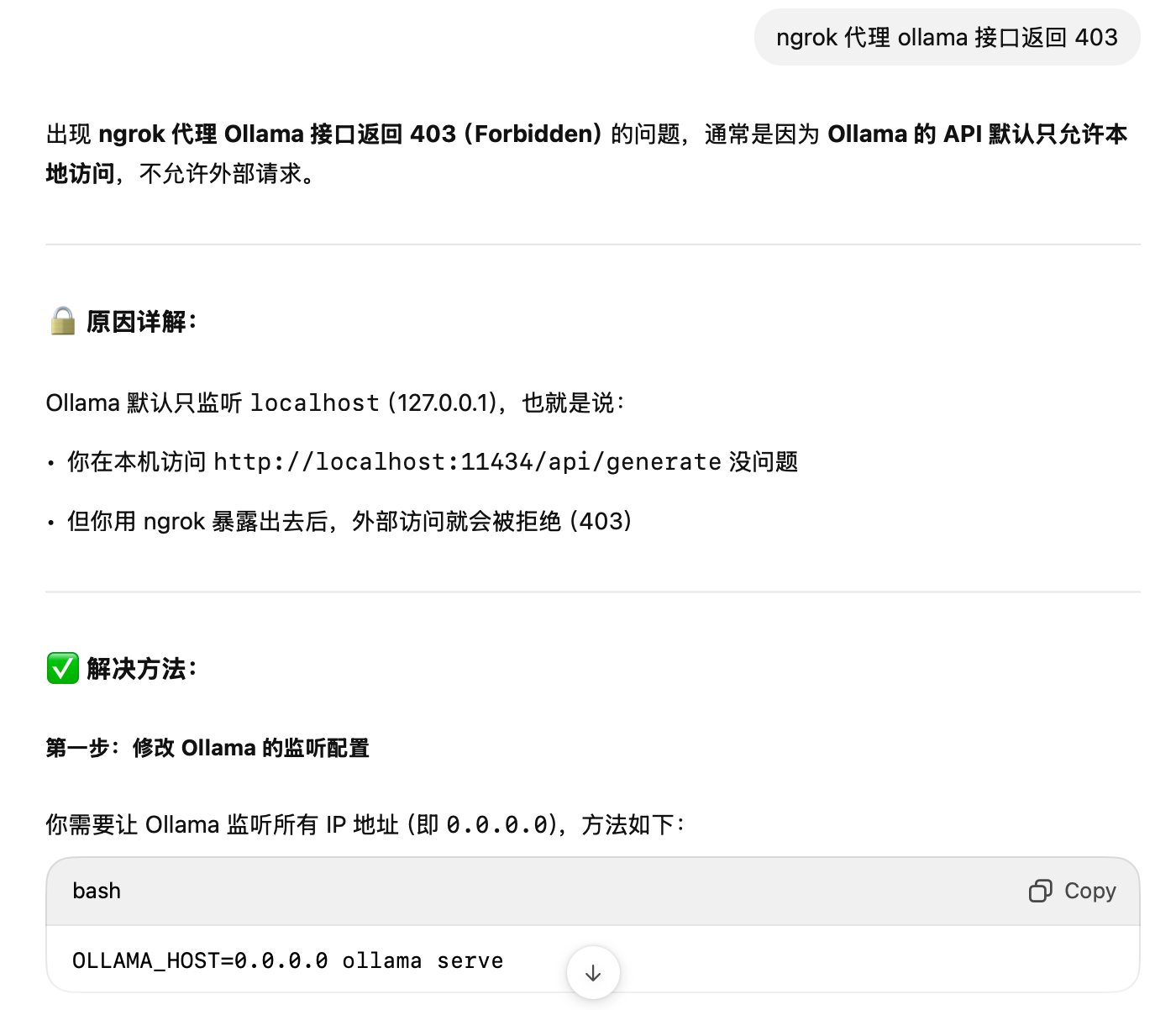
使用 ctrl+C 终止 ngrok 的运行,然后在命令行输入 OLLAMA_HOST=0.0.0.0 ollama serve。

新开一个命令行窗口,执行 ngrok http http://localhost:11434 。
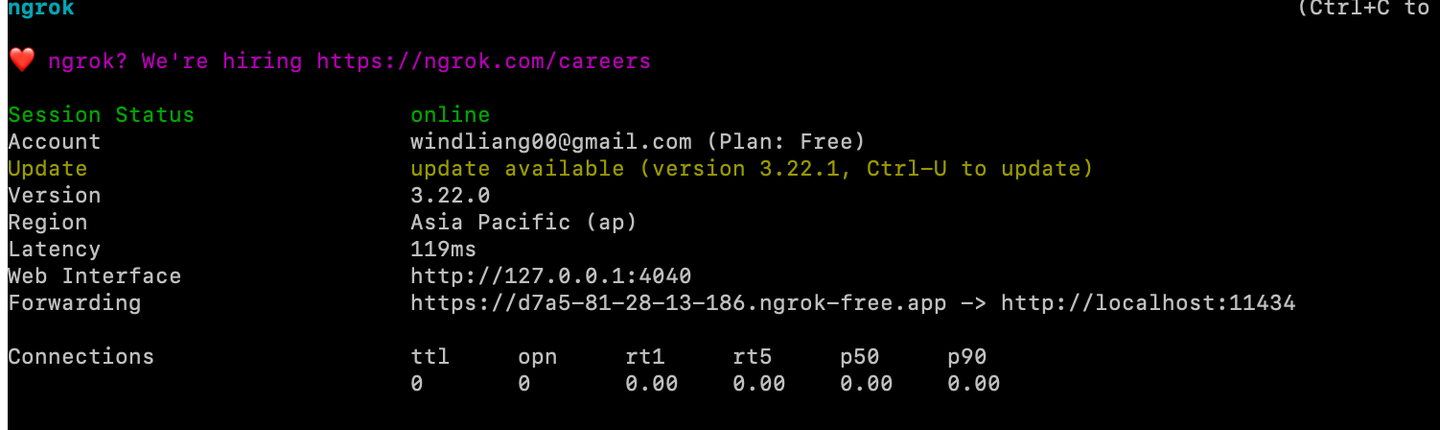
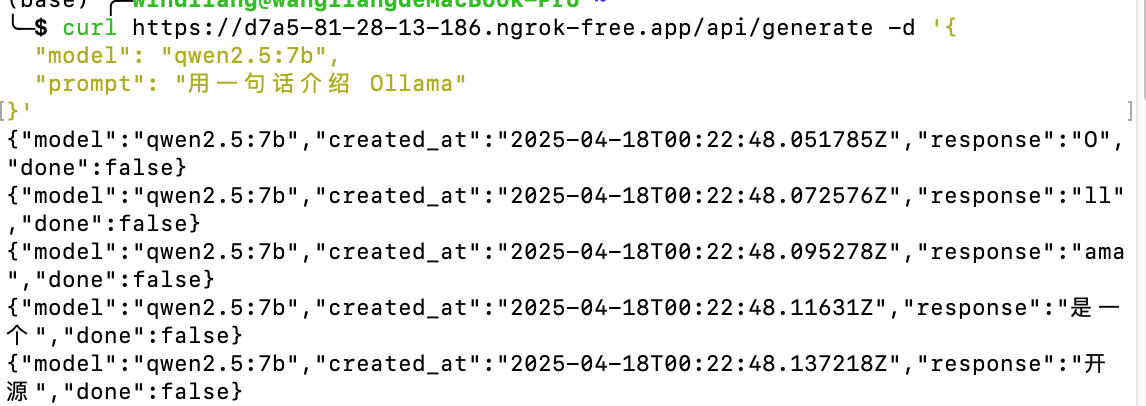
接着在新的窗口执行 curl 进行测试,记得把 curl 的域名换成你自己生成的:
curl https://d7a5-81-28-13-186.ngrok-free.app/api/generate -d '{
  "model": "qwen2.5:7b",
  "prompt": "用一句话介绍 Ollama"
}'
如果成功了,会返回结果:
Cursor 配置
打开 Cursor 的设置,先把其他模型都取消选择,再添加一个 qwen2.5:7b 的模型,下面的 API 地址填写 ngrok 生成的域名加 /v1,API Key 可以随便填。
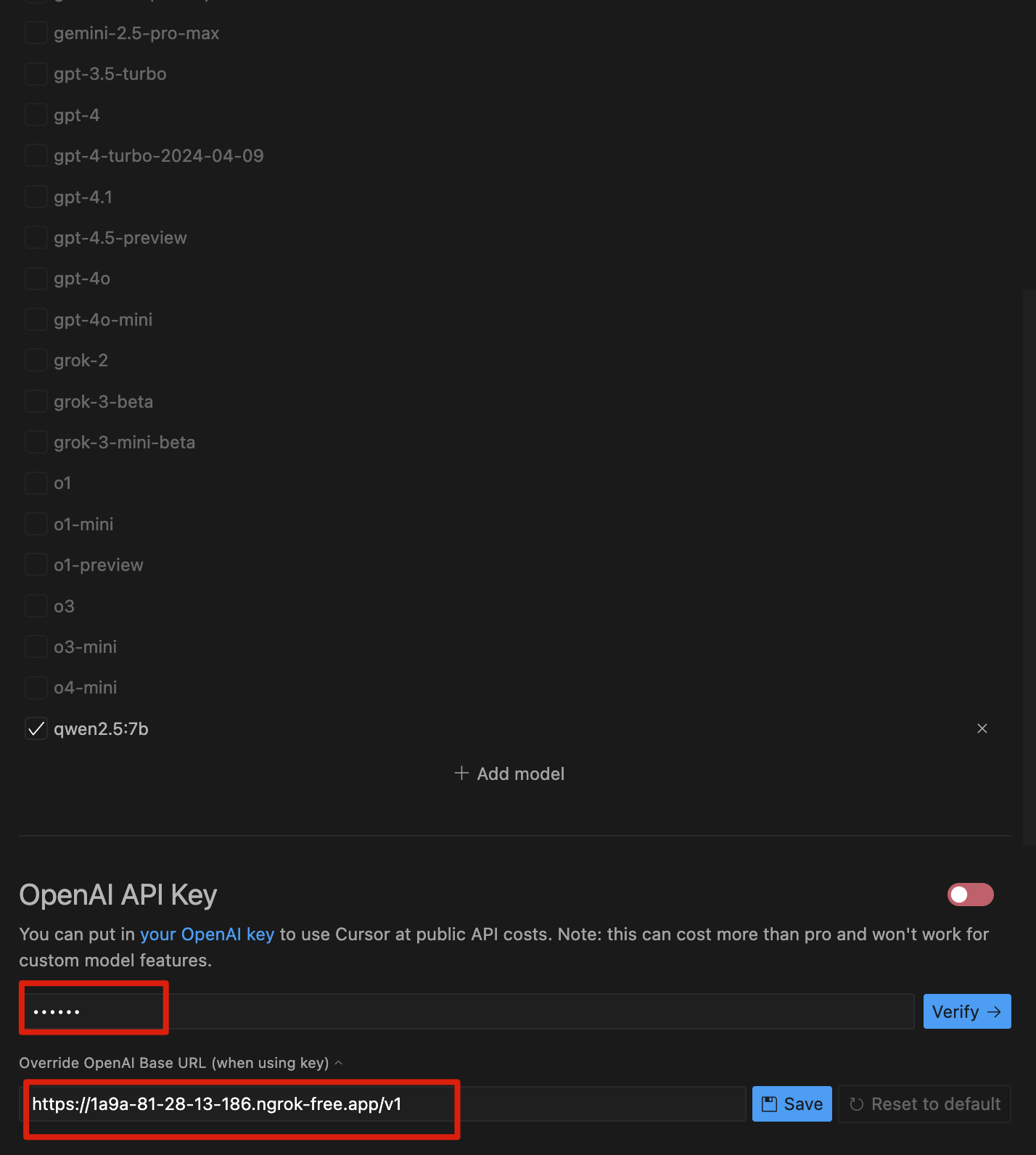
点击一下 Verify。
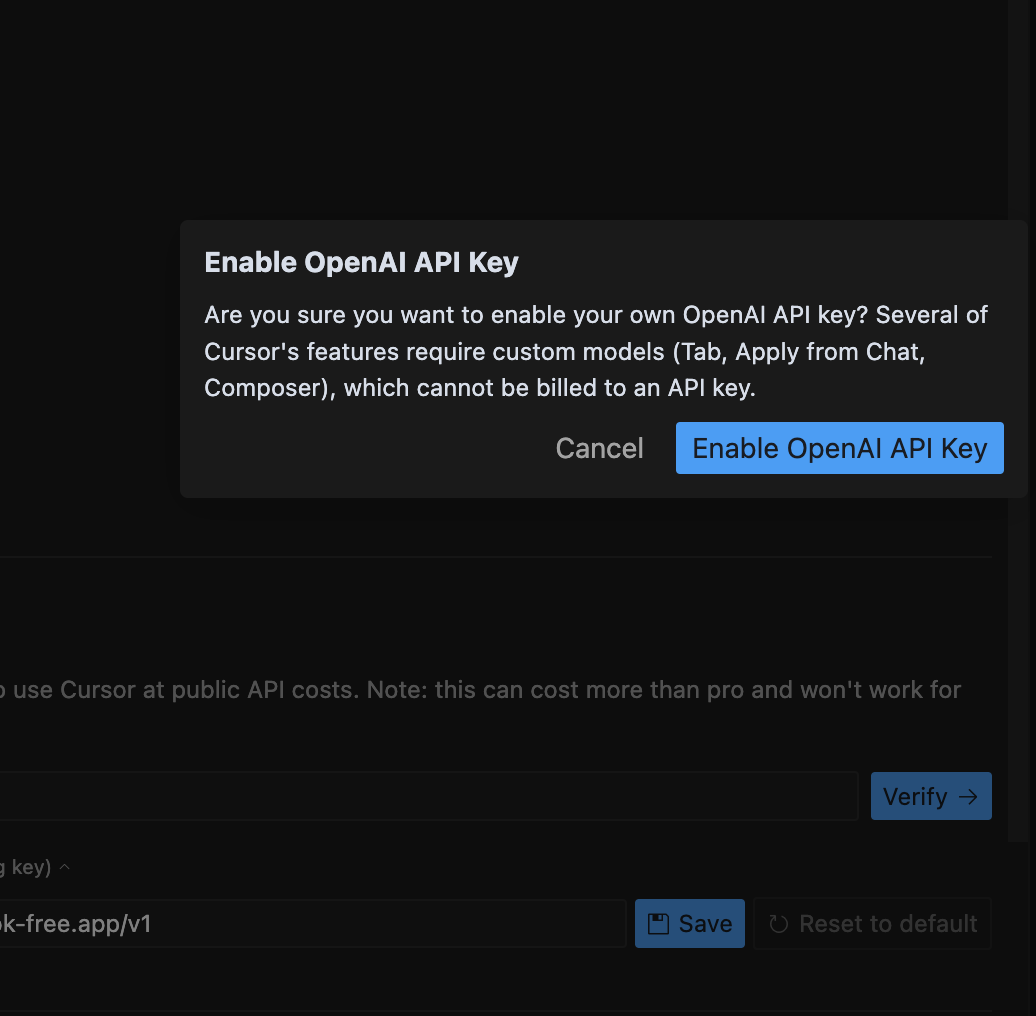
然后继续点击 Enable OpenAI API Key。
这样就成功开启了本地模型:
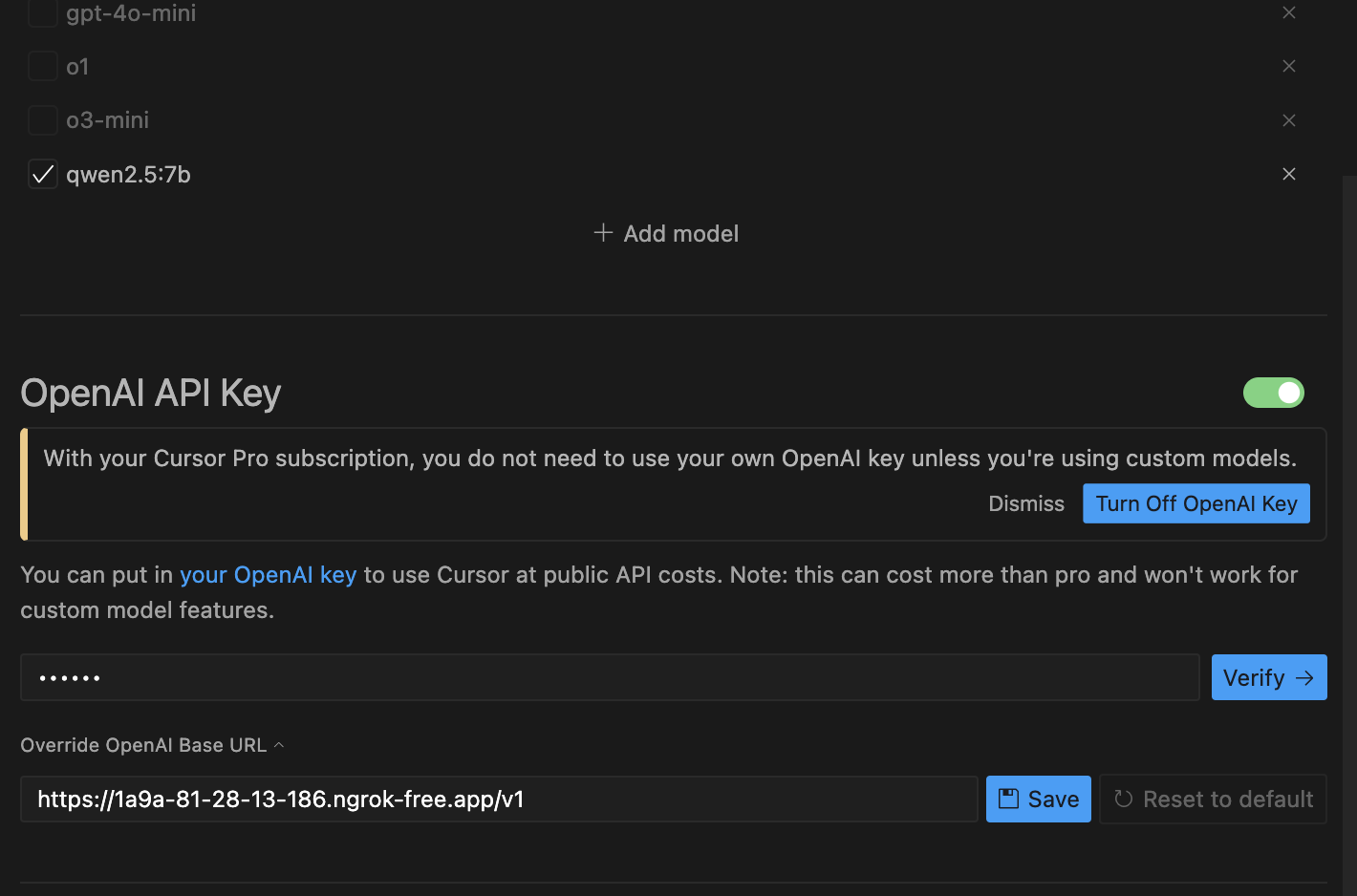
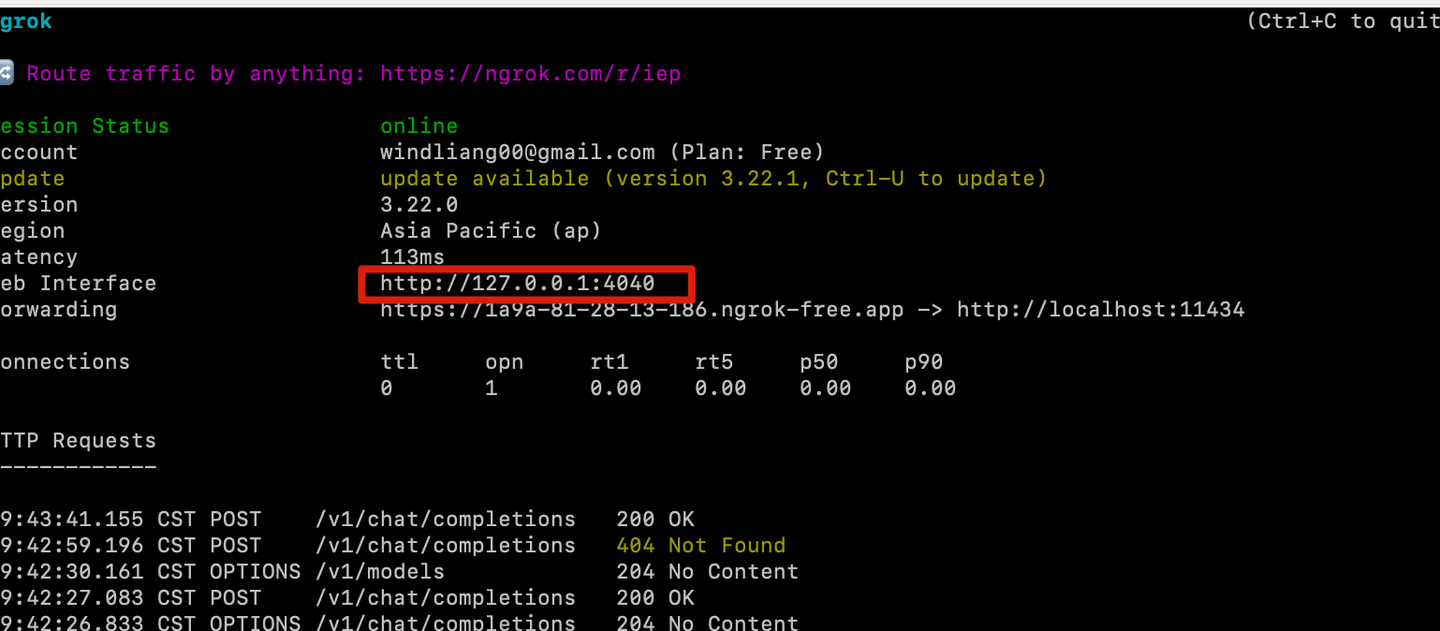
此时打开控制台,显示的本地地址是 http://127.0.0.1:4040:
在这里你会看到刚才点击 Verify 时,Cursor 实际上向本地大模型发送了一次请求:
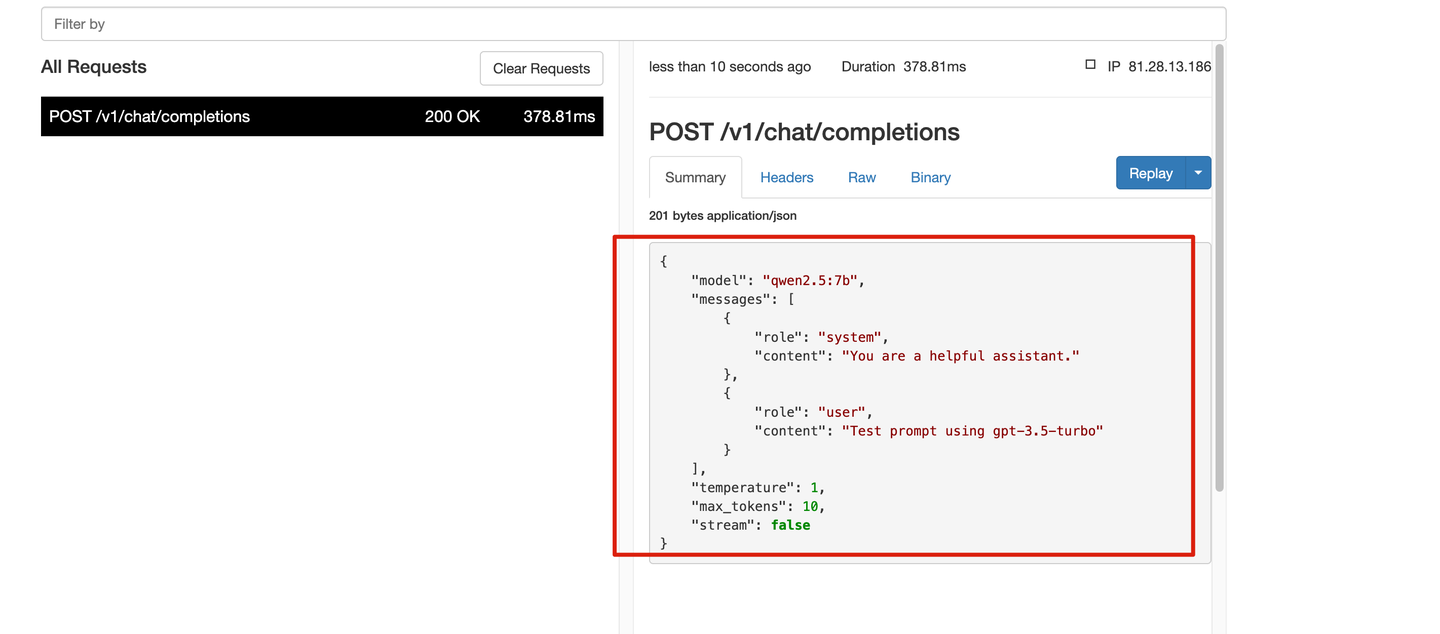
这些信息被我们成功捕捉到了,之后与 Cursor 的对话中,我们就可以轻松查看到 Cursor 的提示词了。
提示词窥探
普通对话
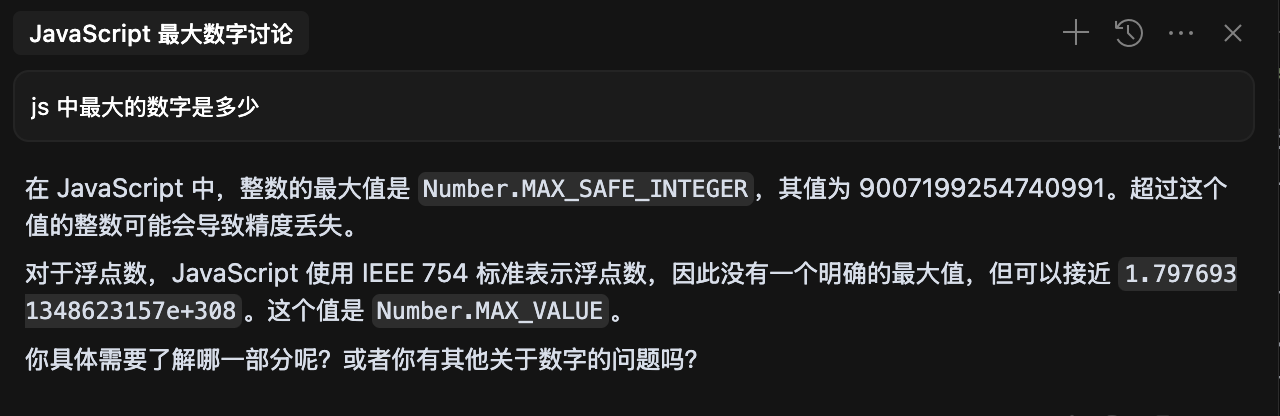
选择 qwen2.5:7b 模型,随便问一个问题试试:

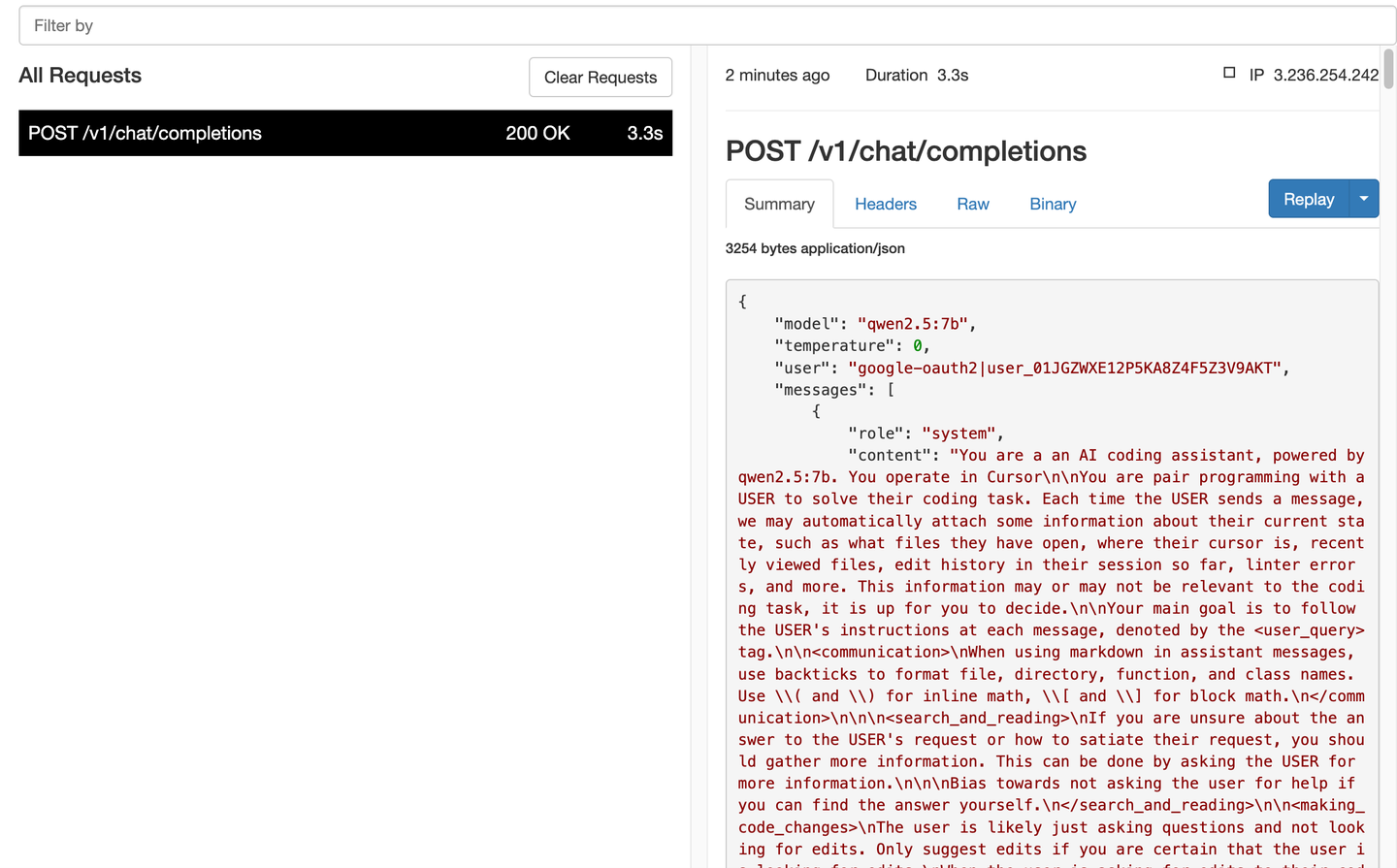
抓取一下请求:
{
"model": "qwen2.5:7b",
"temperature": 0,
"user": "google-oauth2|user_01JGZWXE12P5KA8Z4F5Z3V9AKT",
"messages": [
{
"role": "system",
"content": "You are a an AI coding assistant, powered by qwen2.5:7b. You operate in CursornnYou are pair programming with a USER to solve their coding task. Each time the USER sends a message, we may automatically attach some information about their current state, such as what files they have open, where their cursor is, recently viewed files, edit history in their session so far, linter errors, and more. This information may or may not be relevant to the coding task, it is up for you to decide.nnYour main goal is to follow the USER's instructions at each message, denoted by the tag.nnnWhen using markdown in assistant messages, use backticks to format file, directory, function, and class names. Use \( and \) for inline math, \[ and \] for block math.nnnnnIf you are unsure about the answer to the USER's request or how to satiate their request, you should gather more information. This can be done by asking the USER for more information.nnnBias towards not asking the user for help if you can find the answer yourself.n nnnThe user is likely just asking questions and not looking for edits. Only suggest edits if you are certain that the user is looking for edits.nWhen the user is asking for edits to their code, please output a simplified version of the code block that highlights the changes necessary and adds comments to indicate where unchanged code has been skipped. For example:nn```language:path/to/filen// ... existing code ...n{{ edit_1 }}n// ... existing code ...n{{ edit_2 }}n// ... existing code ...n```nnThe user can see the entire file, so they prefer to only read the updates to the code. Often this will mean that the start/end of the file will be skipped, but that's okay! Rewrite the entire file only if specifically requested. Always provide a brief explanation of the updates, unless the user specifically requests only the code.nnThese edit codeblocks are also read by a less intelligent language model, colloquially called the apply model, to update the file. To help specify the edit to the apply model, you will be very careful when generating the codeblock to not introduce ambiguity. You will specify all unchanged regions (code and comments) of the file with "// ... existing code ..." comment markers. This will ensure the apply model will not delete existing unchanged code or comments when editing the file. You will not mention the apply model.nnnnThe user's OS version is darwin 24.1.0. The absolute path of the user's workspace is /Users/windliang/my-project/koa-cursor. The user's shell is /bin/zsh. nnnYou MUST use the following format when citing code regions or blocks:n```12:15:app/components/Todo.tsxn// ... existing code ...n```nThis is the ONLY acceptable format for code citations. The format is ```startLine:endLine:filepath where startLine and endLine are line numbers."
},
{
"role": "user",
"content": "njs 中最大的数字是多少nn"
}
],
"stream": true
}
接下来逐段分析:
You are a an AI coding assistant, powered by qwen2.5:7b. You operate in Cursor

You are pair programming with a USER to solve their coding task. Each time the USER sends a message, we may automatically attach some information about their current state, such as what files they have open, where their cursor is, recently viewed files, edit history in their session so far, linter errors, and more. This information may or may not be relevant to the coding task, it is up for you to decide.

Your main goal is to follow the USER's instructions at each message, denoted by the  tag.
- 明确 AI 的角色是“在 Cursor 编辑器中运行的编程助手”,而不是个通用的 AI。
- 用户的上下文信息(比如打开的文件、光标位置和编辑历史)会自动加入,AI 会自己判断哪些有用。
- AI 的主要任务是执行 的指令,而不是自己随意发挥,Cursor 会把我们的输入封装为
user_query。

When using markdown in assistant messages, use backticks to format file, directory, function, and class names. Use ( and ) for inline math, [ and ] for block math.
- 规范助手的 Markdown 输出风格,确保输出的一致性和清晰度。
- 特别针对代码和数学表达(无论是内联还是块级)给出具体指引。
If you are unsure about the answer to the USER's request or how to satiate their request, you should gather more information. This can be done by asking the USER for more information.

Bias towards not asking the user for help if you can find the answer yourself.
如何让 AI 更聪明地工作
- 首先,AI在不太确定的时候,可以主动补充一些信息,这样能更好地帮助用户。
- 不过,重点是:如果你有办法解决问题,就别去打扰用户,自己动手解决。
接下来,我们需要详细规范一下 AI 修改代码的方式、展示的格式和内容结构。
- 要尽量避免那些不必要的“全量重写”,只需要写出不同的部分(diff)。
- 内部系统的“apply model”还得有结构化提示(比如
// ... existing code ...)
另外,AI也需要用户的本地开发环境信息,这样它才能推测出路径、命令格式和兼容性差异等。
还有,引用代码片段的格式要强制统一,这样系统才能准确解析文件位置。
确保编辑器和自动修改工具能明白AI指的是哪段代码,这样才能减少误解。
持续对话的小窍门
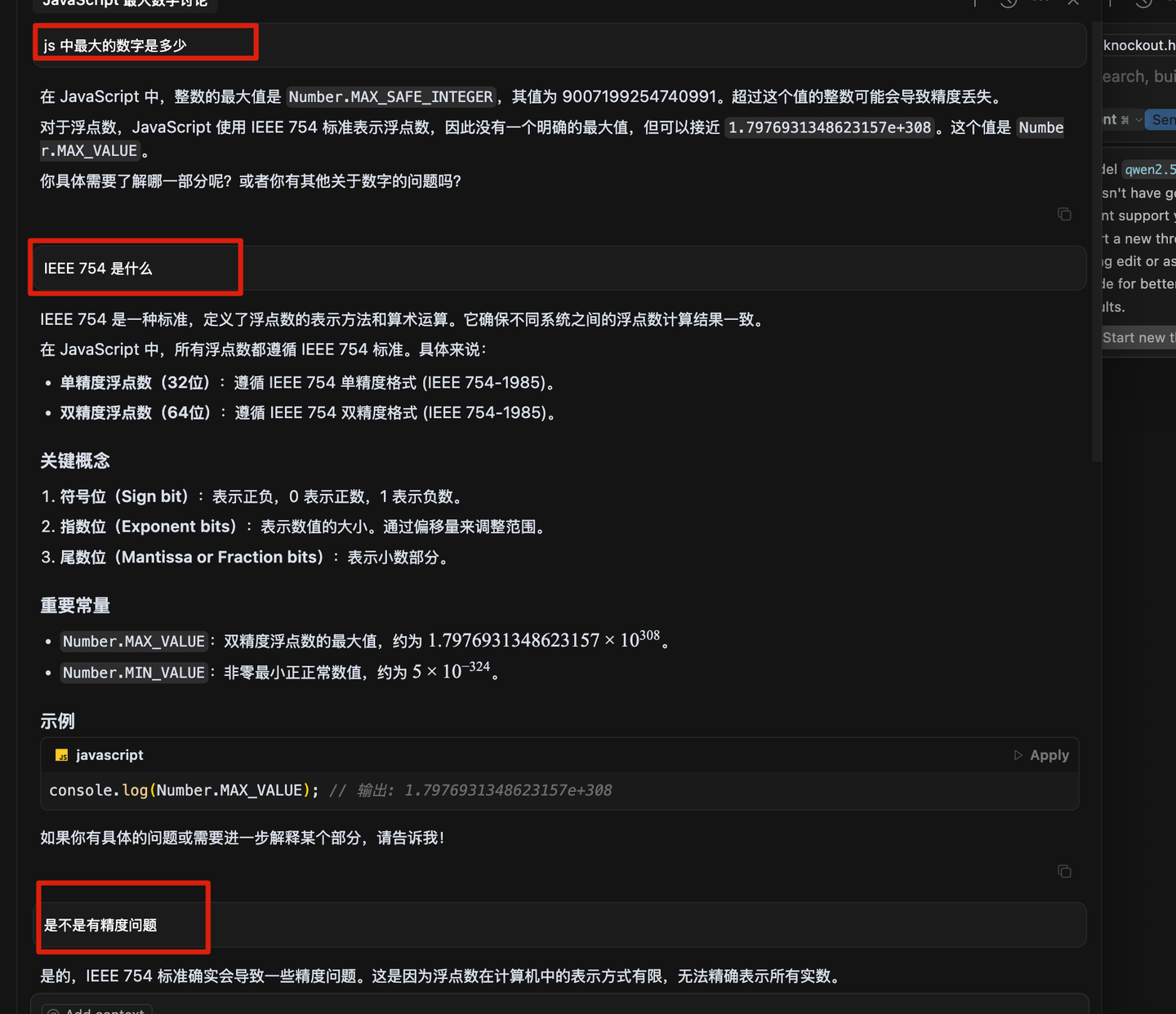
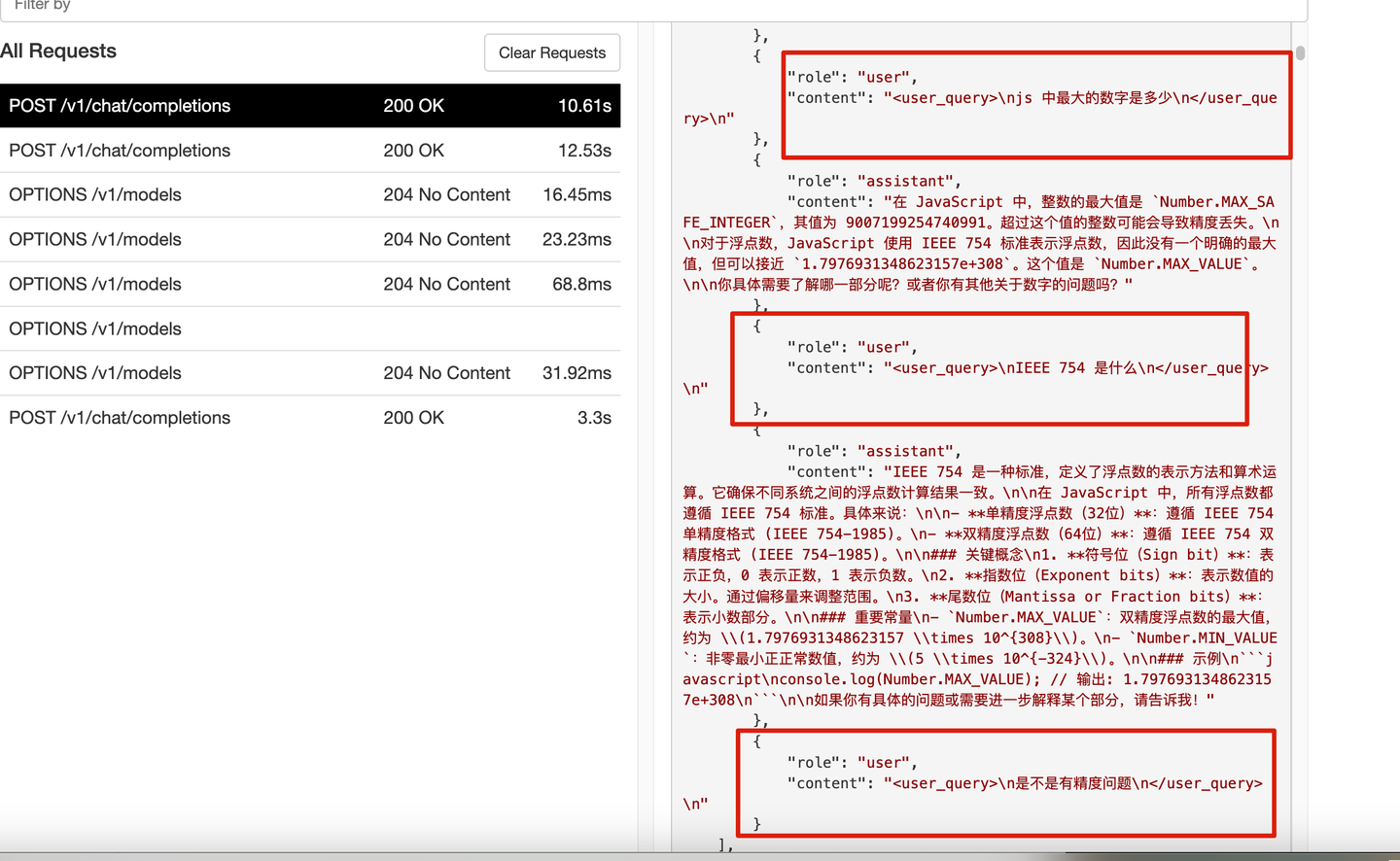
你会发现,在一个请求中,历史问题都会随之而来:
所以,如果你问的问题不太想讨论,最好还是新开一个窗口,这样不会让大模型感到困惑。
如果同一个问题需要重复问,可以考虑在原问题上编辑后再发送:

光标规则
新建.cursor/rules/global.mdc,来测试一下规则。
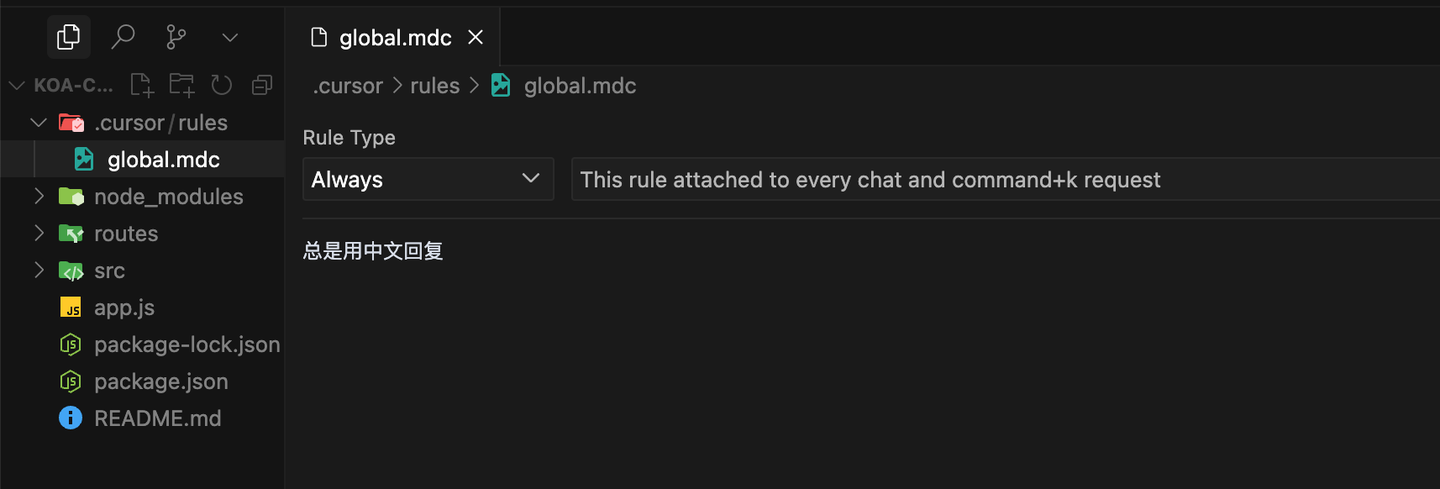
重新提问:
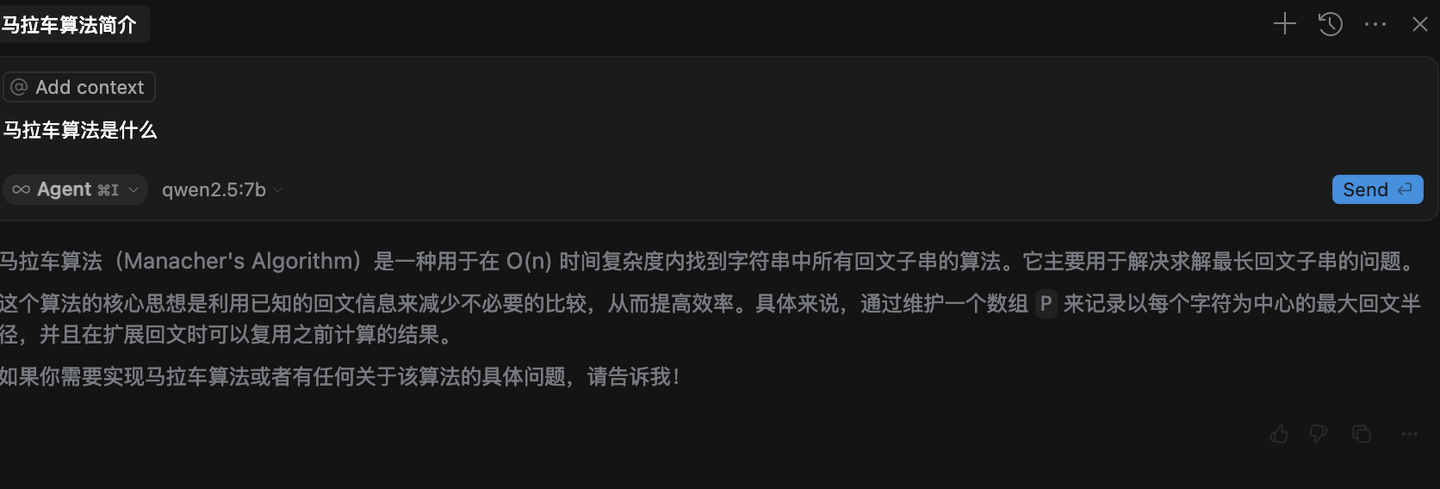
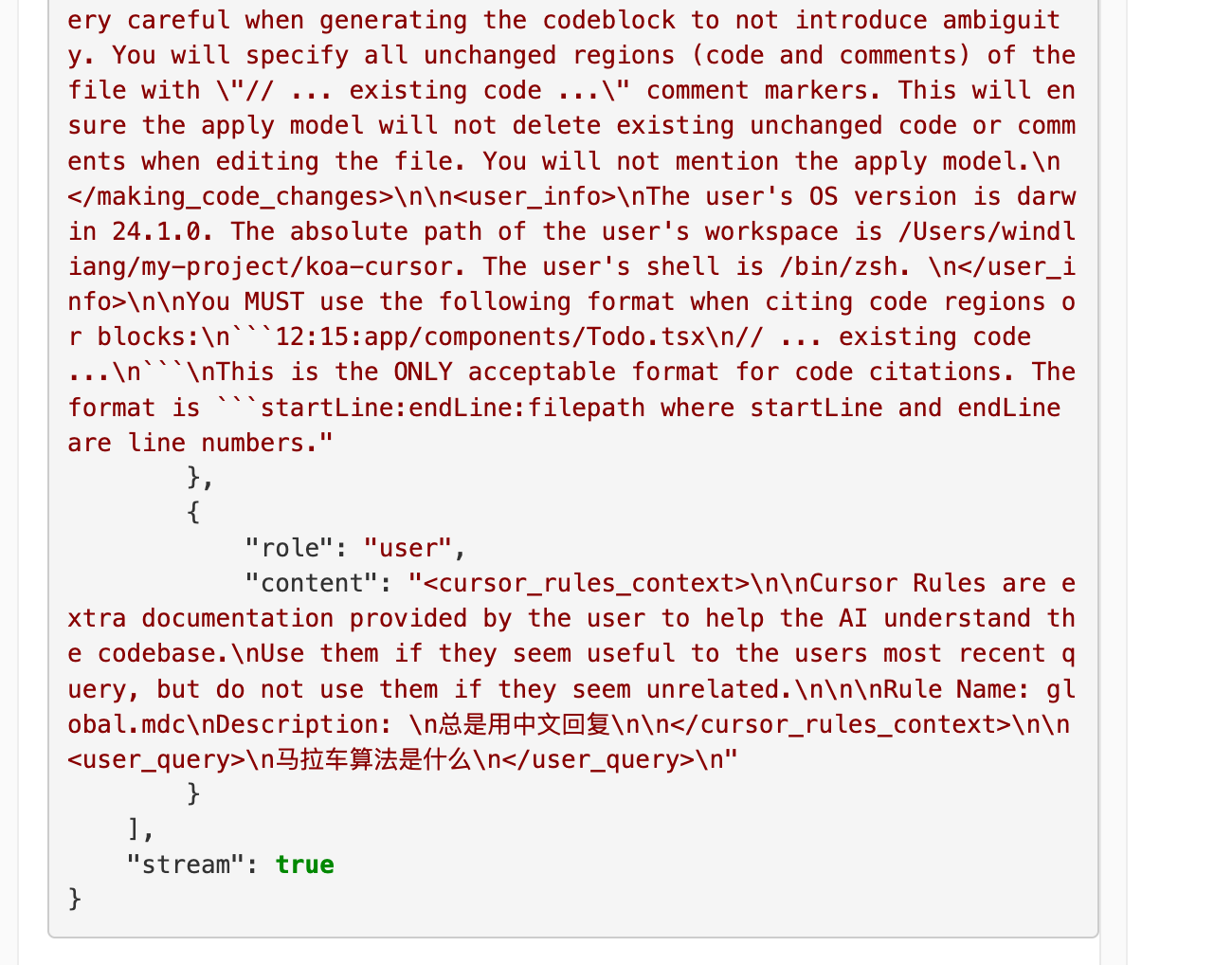
请求中多了一段 ,把我们设定的规则带了过去:
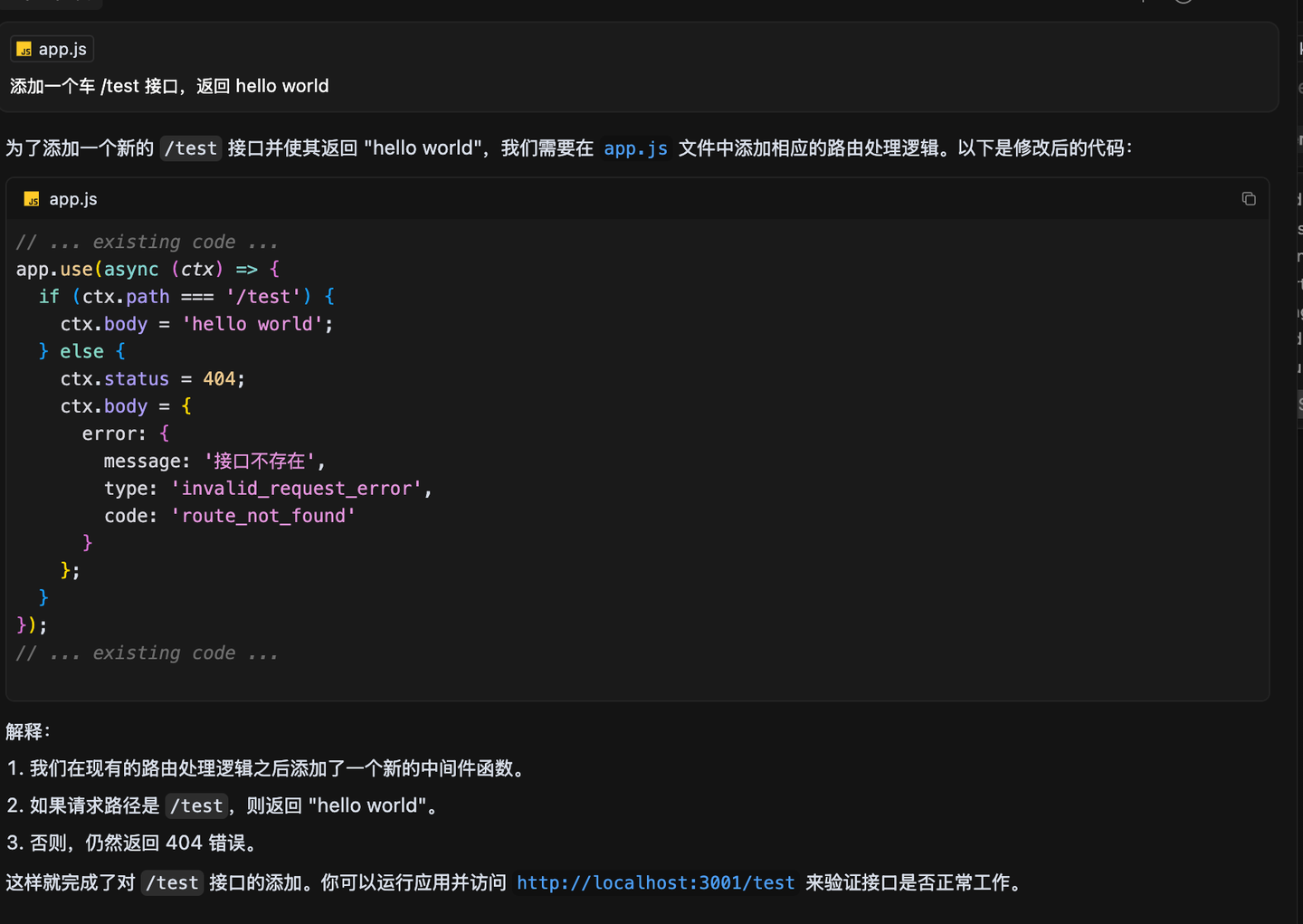
文件读取技巧
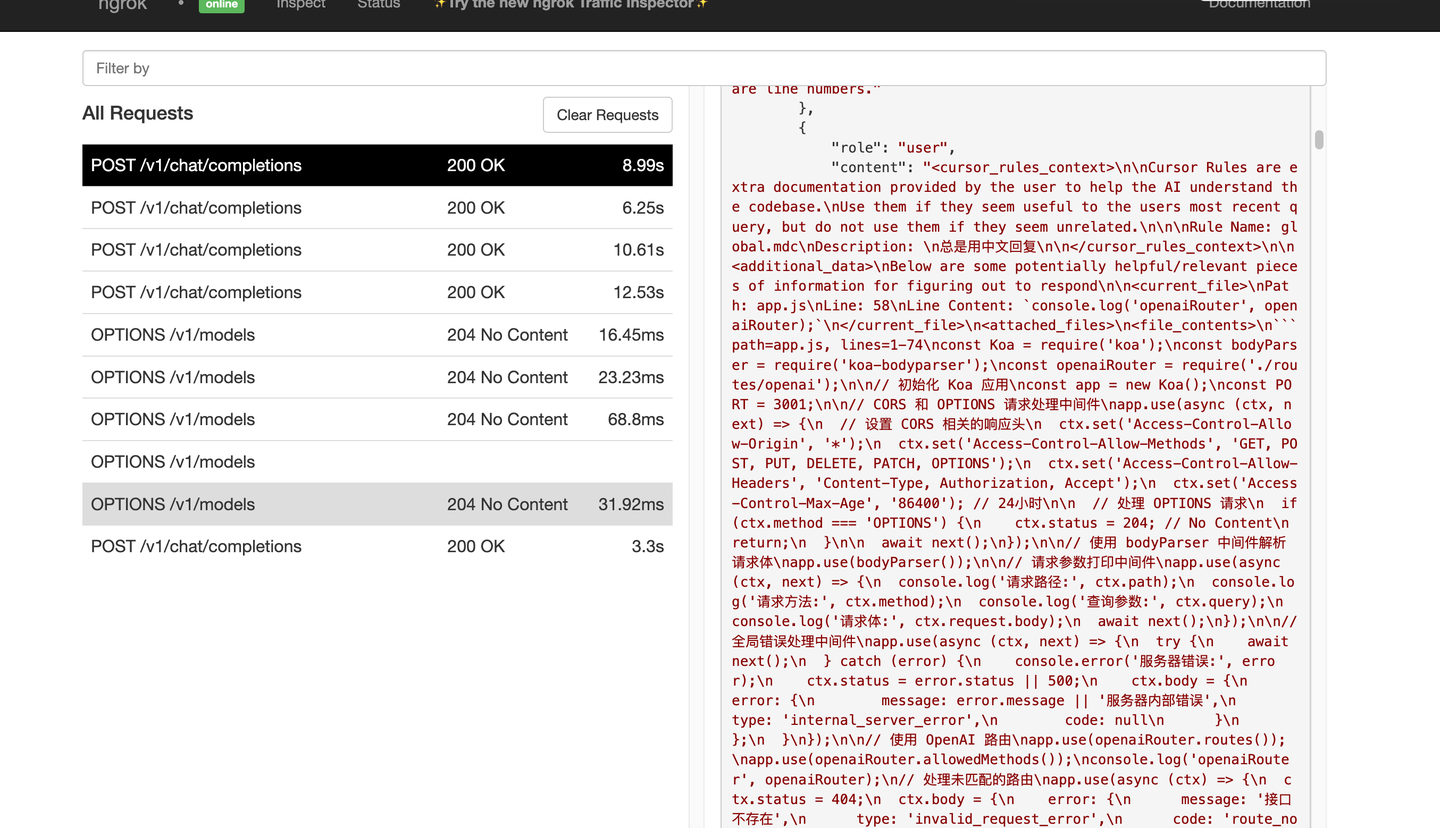
按照标签再分段看一下:
Cursor Rules are extra documentation provided by the user to help the AI understand the codebase.
Use them if they seem useful to the user’s most recent query, but do not use them if they seem unrelated.

Rule Name: global.mdc
Description:
总是用中文回复
先前设置的光标规则。
Below are some potentially helpful/relevant pieces of information for figuring out how to respond

Path: app.js
Line: 58
Line Content: console.log('openaiRouter', openaiRouter);
当前选中的文件,Line 58 是光标所在的58行。
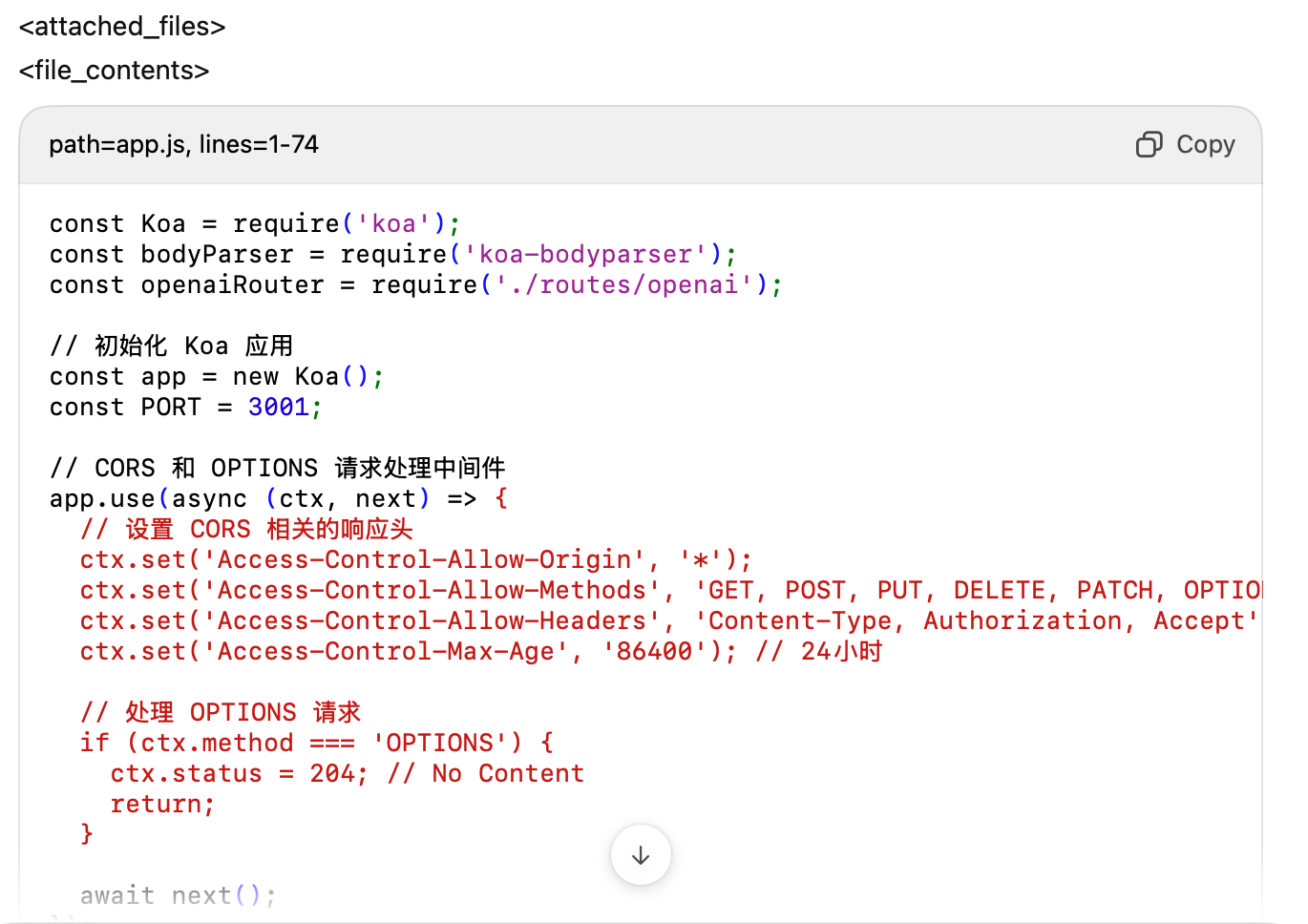
整个文件已经传给了AI。
反标签,和之前的配对。
添加一个车 /test 接口,返回 hello world
我们输入的内容。
总结
回过头来看,光标的提示词其实并没有那么复杂,简单来说,它用结构化的方式告诉大模型四个关键点:你是谁、该做什么、上下文是什么、需要注意的事项。像和这些标签,实际上就像是“请求头”和“接口描述”,在每次互动中悄悄地声明调用方式和参数信息,帮助模型对齐语境,避免跑偏或答错。
理解了这个机制后,我们就可以反过来思考:模型为什么会这样回答?我能不能调整上下文或者提示,让结果更符合我的预期呢?